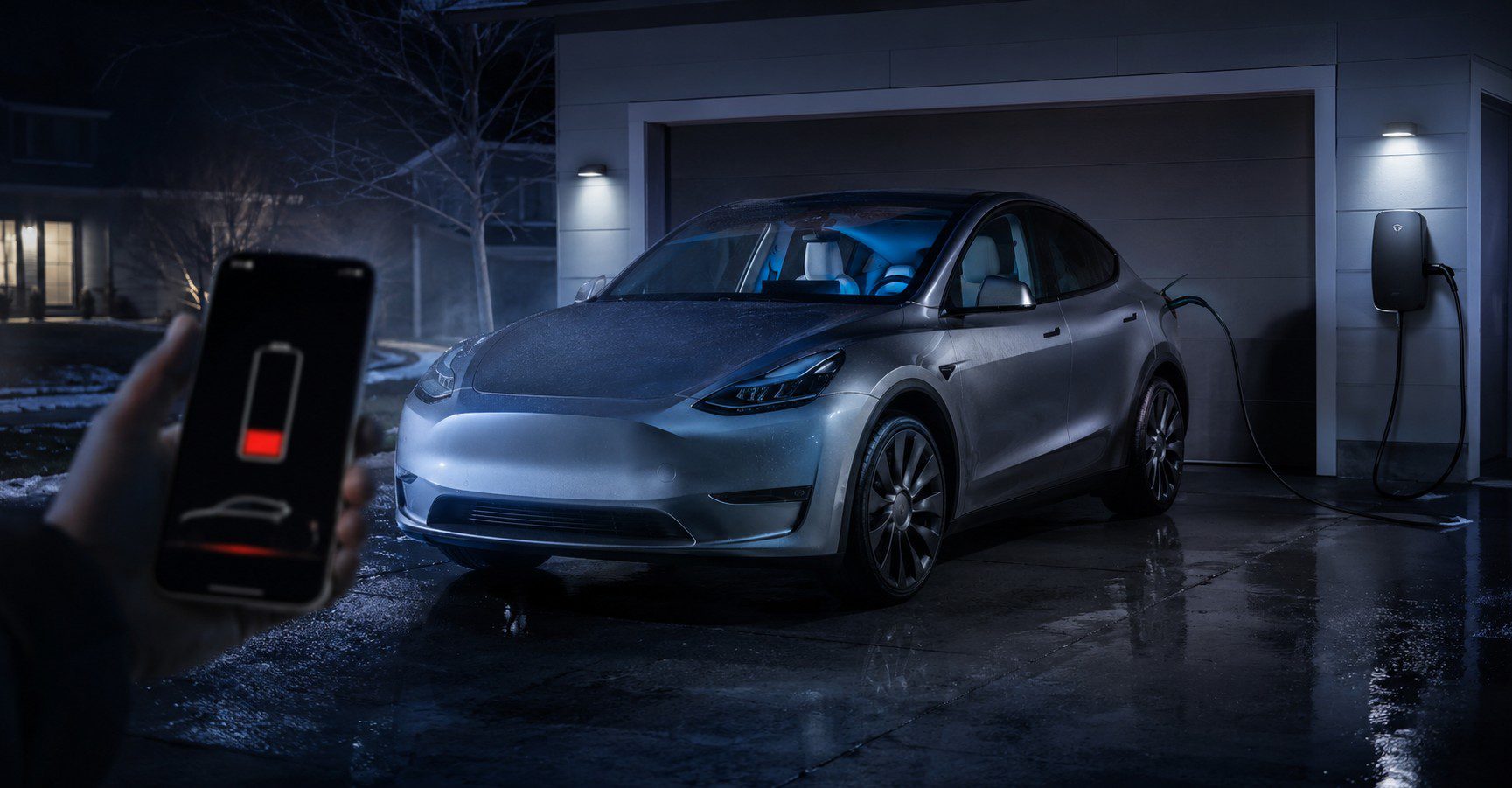
Tesla Battery Draining Fast: Common Causes, Fixes, and What Owners Should Check
This guide also includes a helpful Tesla battery drain troubleshooting video near the end of the article, so readers who prefer a visual explanation can see common causes like phantom drain, Sentry Mode battery use, Cabin Overheat Protection, cold weather range loss, and app wake-up issues.
Tesla vehicles are advanced electric cars with many connected features. Cameras, climate control, software systems, mobile app access, battery conditioning, and security tools can all use energy. Some drain is normal, but if your Tesla is losing more battery than usual, you should check the most common causes before assuming there is a major battery problem.
Quick Answer: Why Is My Tesla Battery Draining Fast?
Your Tesla battery may be draining fast because Sentry Mode is active, Cabin Overheat Protection is running, the car is waking up too often from the Tesla app, the weather is extremely cold or hot, tire pressure is low, climate control is being used heavily, or aftermarket accessories are consuming power. Fast battery drain can also happen during short trips because the car uses extra energy to warm or cool the battery and cabin.
What Is Normal Tesla Battery Drain?
A small amount of Tesla battery drain while parked is normal. Electric vehicles use energy even when they are not being driven because the battery management system, security features, connectivity, and temperature-related functions may still operate in the background. This is often called phantom drain or vampire drain.
Normal battery drain depends on the model, temperature, software version, parking location, and active settings. A Tesla parked with most features off should usually lose much less than a Tesla parked with Sentry Mode, Cabin Overheat Protection, or climate features running. If the battery drops a few miles over a long period, that may be normal. If it drops several percentage points overnight with all features off, it is worth investigating.
Sentry Mode Can Drain Battery Quickly
Sentry Mode is one of the most common reasons a Tesla battery drains fast while parked. This feature uses the car’s cameras and sensors to monitor the area around the vehicle. It is useful in public parking lots, apartment garages, shopping centers, and unfamiliar areas, but it can use a noticeable amount of energy.
If your Tesla is parked at home, inside a secure garage, or in a trusted location, you may not need Sentry Mode running all the time. Leaving it on every night can slowly reduce your battery percentage. Many Tesla owners reduce phantom drain simply by turning off Sentry Mode at Home, Work, or favorite locations.
To check this setting, go to the vehicle controls, open Safety, and review Sentry Mode settings. You can also control Sentry Mode from the Tesla app. For daily use, keep it on only when security is more important than saving battery.
Cabin Overheat Protection May Use Extra Energy
Cabin Overheat Protection is another feature that can cause battery drain, especially in hot states such as Texas, Florida, Arizona, Nevada, and California. This feature helps prevent the cabin from getting too hot after the vehicle is parked. It can be helpful for comfort, but it uses energy from the battery.
If your Tesla is parked in direct sun during summer, Cabin Overheat Protection may run repeatedly. This can make the battery percentage drop faster than expected. If you do not need this feature, turn it off. If you want some protection but less energy use, use the least aggressive option available in your settings.
A better long-term solution is to park in the shade, use a windshield sunshade, tint the windows legally according to your state rules, or keep the car plugged in when parked at home. These steps can reduce cabin heat and lower the need for cooling.
Cold Weather Can Make Tesla Range Drop Faster
Cold weather is one of the biggest reasons Tesla owners notice faster battery drain. In winter, the battery needs to stay within a healthy temperature range, and the cabin heater uses extra power. Regenerative braking may also be limited until the battery warms up. Because of this, a Tesla may show lower efficiency during short winter trips.
In cold states such as Minnesota, Michigan, New York, Colorado, Illinois, and Massachusetts, winter range loss can be more noticeable. The vehicle may use energy to warm the battery before driving or charging. This does not always mean the battery is damaged. It is often a normal effect of cold temperatures.
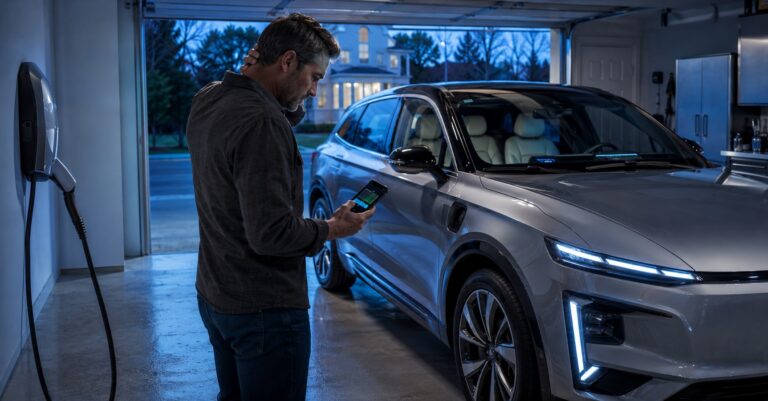
To reduce winter battery drain, precondition the car while it is still plugged in. Use scheduled departure before your daily commute. Use seat heaters instead of blasting cabin heat. Keep tire pressure at the recommended level because cold weather can reduce pressure. If possible, park in a garage to keep the battery warmer.
Opening the Tesla App Too Often Can Wake the Car
Your Tesla can enter a sleep state when parked, which helps save energy. However, every time you open the Tesla app, check vehicle status, adjust climate, or use a third-party app, the car may wake up. If this happens many times a day, it can increase phantom drain.
Some owners connect third-party apps for tracking battery health, charging data, driving stats, or automation. These apps can be useful, but if they ping the car too often, the vehicle may not sleep properly. If your Tesla battery started draining faster after connecting a new app, temporarily disconnect it and monitor battery loss for a day or two.
A simple habit change can help. Avoid checking the app repeatedly when the car is parked. Let the vehicle sleep. If the battery drain improves, the app or frequent wake-ups may have been part of the problem.
Climate Control Features Use a Lot of Battery
Tesla climate features are convenient, but they can drain the battery quickly. Keep Climate On, Dog Mode, Camp Mode, defrost, seat heaters, steering wheel heat, and cabin preconditioning all use energy. These features are useful when needed, but they are not designed for maximum battery saving.
If your battery drains fast while parked, check whether a climate mode was left on. Dog Mode and Camp Mode are especially important because they are meant to keep the cabin comfortable for a longer time. They should only be used when necessary and when you have enough charge.
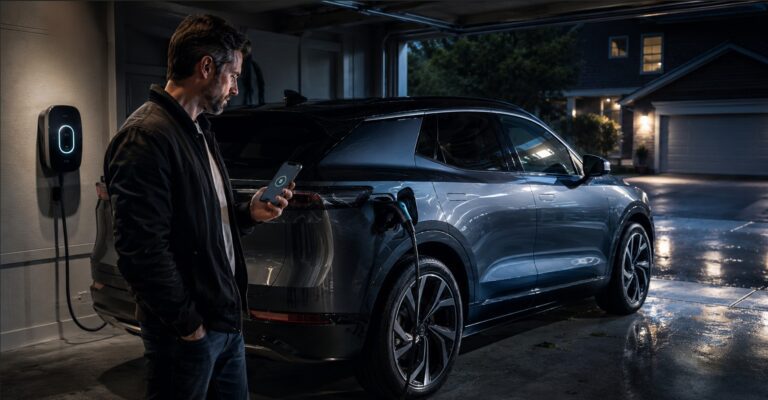
For daily driving, precondition the cabin while plugged in. This lets the car use wall power instead of battery power before you leave. During longer drives, use automatic climate settings moderately and avoid extreme temperature settings unless needed.
Low Tire Pressure Can Reduce Tesla Efficiency
Low tire pressure makes your Tesla work harder because rolling resistance increases. This can cause the battery to drain faster during driving. Many owners focus on software settings but forget to check tire pressure. Seasonal temperature changes can lower tire pressure, especially during winter.
Check your recommended tire pressure on the driver-side door label or inside your Tesla settings. Keep the tires properly inflated and inspect them regularly. Underinflated tires can reduce range, affect handling, and increase tire wear.
Wheel and tire choices also matter. Larger wheels, performance tires, heavy aftermarket wheels, or aggressive tire patterns may reduce efficiency. If you recently changed wheels or tires and noticed faster battery drain, that change may be part of the reason.
High-Speed Driving Drains the Battery Faster
Driving speed has a major effect on Tesla range. Electric vehicles are efficient, but highway speed creates more aerodynamic drag. Driving at 80 mph uses much more energy than driving at 60 or 65 mph. If your Tesla battery drains quickly on road trips, high speed may be the main reason.
Wind, hills, rain, snow, heavy cargo, roof racks, and cold weather can make the situation worse. A Tesla loaded with passengers, luggage, roof cargo, and climate control running will use more energy than a lightly loaded car in mild weather.
To improve efficiency, drive smoothly, use Chill Mode if it helps you avoid aggressive acceleration, remove unnecessary roof racks, and follow navigation-based charging recommendations. On long trips, a slightly slower speed can noticeably improve range.
Aftermarket Accessories Can Cause Battery Drain
Aftermarket accessories can also drain your Tesla battery. Dash cams, USB devices, lighting kits, trackers, coolers, and other electronics may use power even when the vehicle is parked. Some accessories are small, but if they stay active for many hours, they can contribute to battery loss.
If your Tesla battery drain started after installing a new device, unplug the accessory and monitor the car overnight. If the drain improves, the accessory may be the issue. Use only quality accessories designed for your vehicle and avoid devices that keep systems awake unnecessarily.
Software Updates and Background Activity
Sometimes battery drain appears after a Tesla software update. The car may perform background tasks, recalibrate systems, or run checks after installation. In many cases, this temporary drain settles after a short period. However, software settings can also change or reset after updates, so it is smart to review your settings again.
Keep your Tesla software updated because updates can improve performance, efficiency, charging behavior, and system reliability. If the battery drain becomes unusually high after an update and does not improve, use the Tesla app to request service or check whether other owners are reporting similar behavior for that software version.
Some battery capacity loss is normal as an electric vehicle ages. However, sudden unexplained range loss, warning messages, charging problems, or very high overnight drain should not be ignored. If the car loses a large amount of charge with all parked features off, there may be a system issue that needs professional diagnosis.
Best Fixes for Tesla Battery Draining Fast
Start with the simple fixes first. Turn off Sentry Mode at trusted locations. Disable Cabin Overheat Protection when it is not necessary. Make sure Keep Climate On, Dog Mode, and Camp Mode are not running by mistake. Avoid opening the Tesla app repeatedly. Remove third-party apps that may wake the car too often. Unplug accessories that are not needed.
Next, check driving-related causes. Make sure tires are properly inflated. Remove extra weight from the vehicle. Take off roof racks when they are not being used. Drive at moderate speeds on highways. Precondition the car while plugged in. Keep the vehicle plugged in at home whenever possible, especially during extreme temperatures.
Watch: Tesla Battery Drain Fix Guide
This video explains common Tesla battery drain problems, including phantom drain, Sentry Mode battery usage, cold weather range loss, Cabin Overheat Protection, and Tesla app wake-up issues. It is a useful visual guide for owners who want to compare the settings in this article with real troubleshooting steps.
When Should You Contact Tesla Service?
You should contact Tesla Service if the battery drain is sudden, severe, or unexplained. Also request service if your Tesla loses a large percentage overnight with Sentry Mode, climate features, Cabin Overheat Protection, and third-party apps turned off. Warning messages, charging problems, low-voltage battery alerts, or unusual vehicle behavior should also be checked.
Before contacting service, write down what you noticed. Include the battery percentage before parking, battery percentage after parking, outside temperature, active settings, whether the car was plugged in, and whether any accessories or third-party apps were connected. This information can help identify the issue faster.
Final Verdict
If your Tesla battery is draining fast, the cause is usually a setting, temperature condition, driving pattern, or background feature rather than a failed battery. Sentry Mode, Cabin Overheat Protection, climate control, frequent app wake-ups, cold weather, low tire pressure, high-speed driving, and aftermarket accessories are the most common things to check first.
The best approach is to make small changes and monitor the results. Turn off unnecessary parked features, let the car sleep, keep it plugged in when possible, precondition while plugged in, maintain proper tire pressure, and drive efficiently. If battery drain remains high after these steps, then it may be time to contact Tesla Service for a deeper inspection.